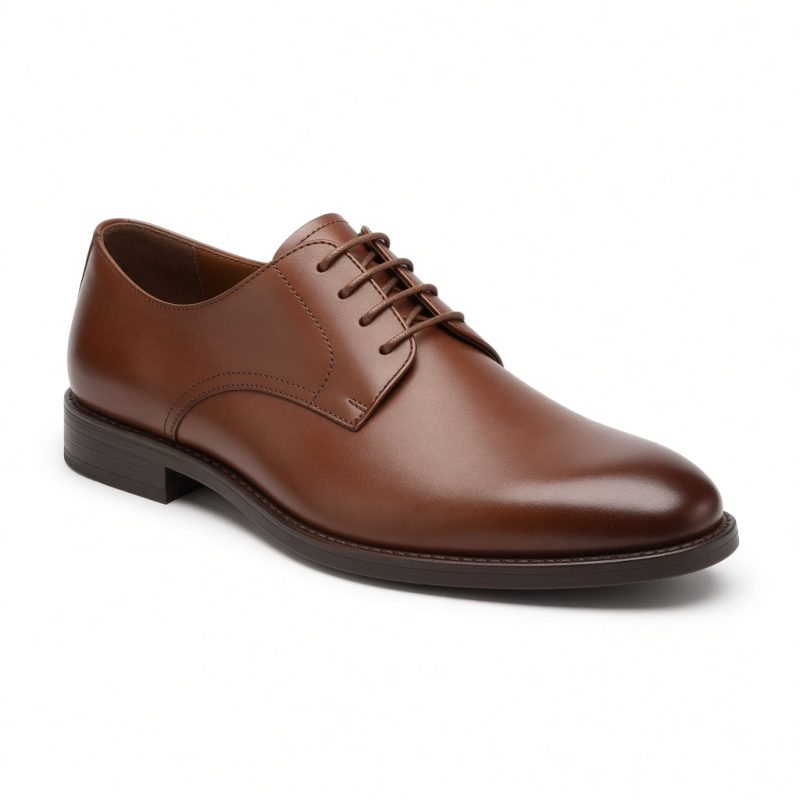
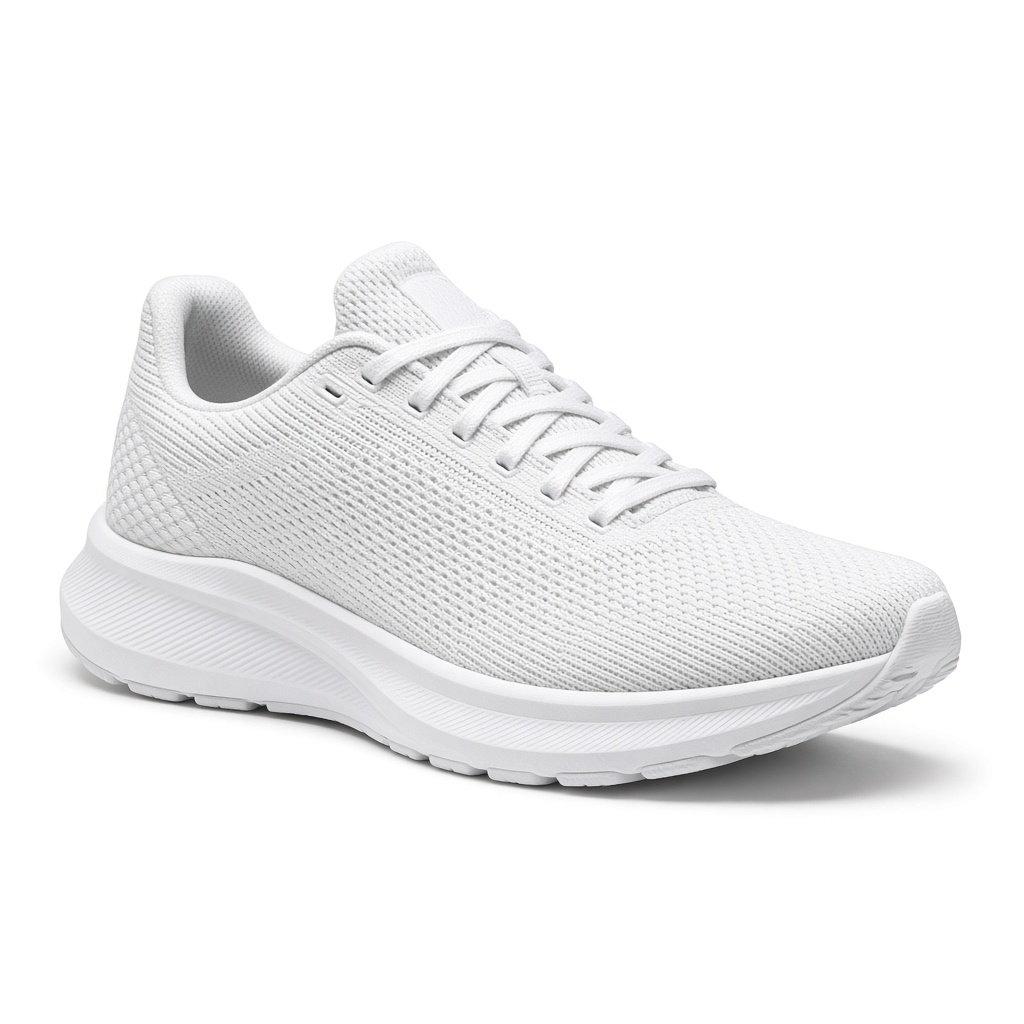
Knit Running Shoe
A light knit runner. One shoe, so the model has a single object to match.
On products with a model, select View in 3D & AR on the image. The model loads when you choose to explore.
IN THE DETAILS
About this product.
A light knit runner. One shoe, so the model has a single object to match.
BUILT FOR THE WAY PEOPLE BROWSE
A richer experience.
A lighter first load.
Your product page comes first. The 3D model waits until a visitor chooses View in 3D & AR.
Initial model download
No 3D model data is downloaded
with the standard product page.
You choose when
Select the viewer button.
That is when the model loads.
One product. More possibilities.
Explore every angle, then try AR
on a compatible device.
These indicators describe viewer loading behavior. PageSpeed results depend on your product images, theme, hosting and other plugins.
HOW IT WORKS
A little curiosity.
A whole new view.
- 01
Browse as usual
Product images appear first. The 3D model stays out of the initial download.
- 02
Choose a closer look
Select View in 3D & AR. SwiftGLB requests the viewing model for that product.
- 03
Make it feel real
Rotate and zoom in 3D. On supported devices, place the product in your space.
CONSIDERED ASSET PROTECTION
Show the product.
Keep the source yours.
Give visitors the model they need to explore, while keeping editable design files in private storage. SwiftGLB uses token-based requests and temporary viewing URLs to reduce casual downloading.
Understand the protectionToken-based delivery
The viewer requests a model through a dedicated delivery route, using a product token and request nonces.
Temporary viewing URLs
The model opens through a browser object URL, rather than a direct file link on the product page.
Your originals stay private
Publish a web-ready viewing model. Keep editable source files and production assets in private storage.
A FEW GOOD QUESTIONS
Clarity from
every angle.
What loads, how models are delivered, and what to expect from AR.
Will 3D slow down my product page?
The product page starts with its normal images. SwiftGLB downloads the 3D model after a visitor selects View in 3D & AR, and prepares the viewer when they interact with the button. This keeps model downloads out of the initial page load. Your overall page speed still depends on your images, theme, hosting and other plugins.
How does SwiftGLB deliver a model?
The viewer requests the model through a dedicated delivery endpoint using a product token and request nonces. It opens the response with a temporary browser viewing URL, rather than putting a direct model-file link on the product page.
Can someone copy a model from the browser?
Token-based delivery and temporary viewing URLs discourage casual downloading. A browser must receive a viewing model to display it, so no browser-based viewer can promise complete copy prevention. Keep editable source files and production assets in private storage, and publish only the web-ready viewing model.
Is model encryption included?
The demonstrated delivery uses product tokens and temporary viewing URLs. Encryption at rest depends on your storage and server configuration and needs to be verified there. HTTPS protects data in transit when enabled on your site and delivery endpoint.
Where can visitors use augmented reality?
AR availability depends on the device, browser and model configuration. Compatible phones can place a product in their surroundings. Visitors on other devices can explore the 3D view or continue with the product images.